
LiteTV
Lightweight live TV for Android TV.
A free IPTV player for Android TV. Bring your own M3U playlists and guide (EPG) files; LiteTV plays the channels, shows what's on, and keeps memory use low.
Free and open source (MIT), no ads. LiteTV does not include any channels, playlists or guide data: you add your own.
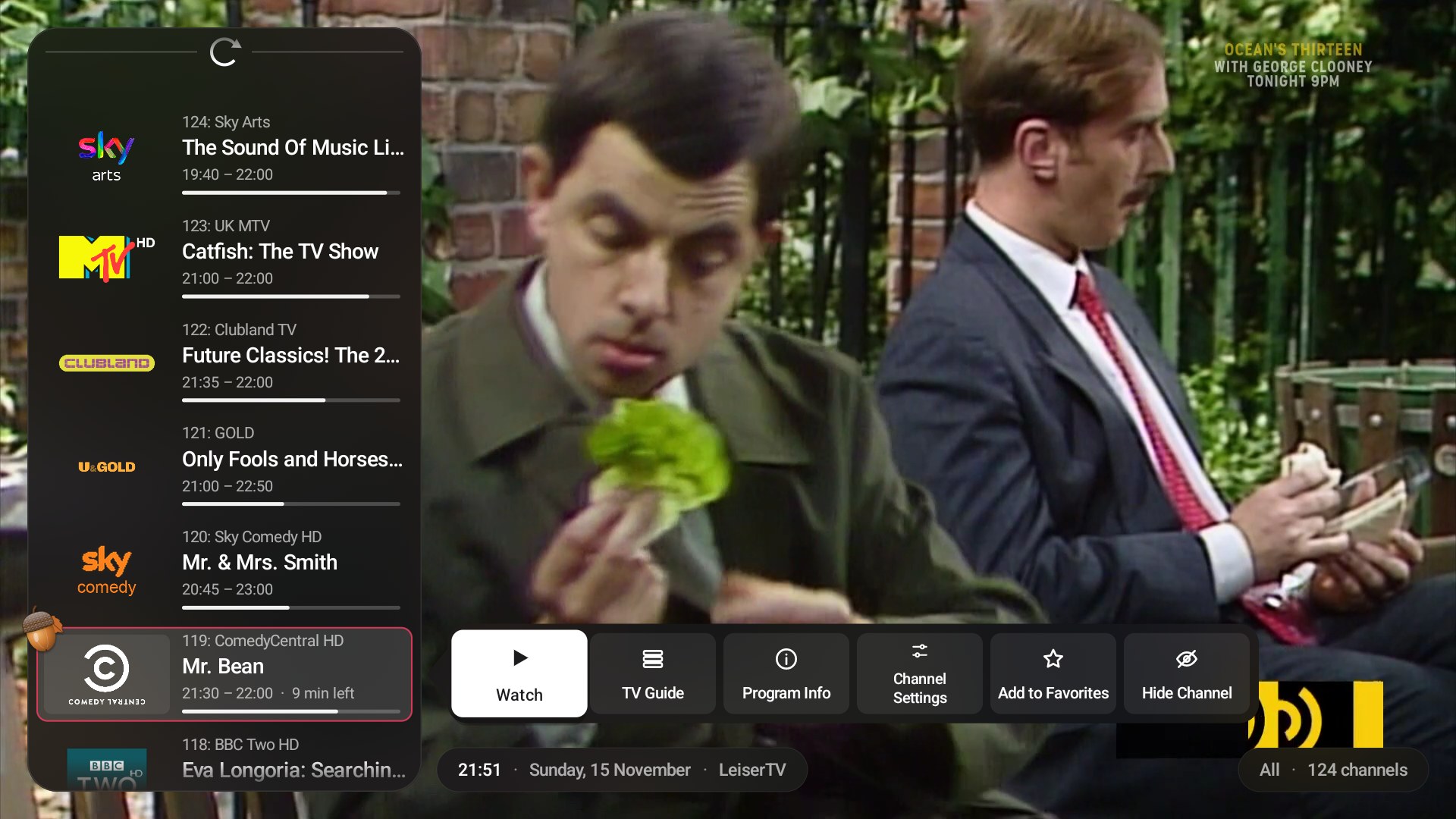
Channel list · 1 of 8
Features
TV Guide grid
Every channel across a timeline, with a line at the current time and how far each live show is. Watch, set a reminder or play catch-up right from the grid.
Quick Guide
One channel at a time, day by day, beside the picture. Flip through channels and see what is on later without leaving what you watch.
Reminders that repeat
Mark a show once and every airing at that time gets a reminder, until you remove it. LiteTV offers to switch when it starts.
Your M3U playlists
One or more playlists with quick switching, search across all of them, favorites in groups and hidden channels. The list goes round at the end.
Low memory use
The guide is stored on disk, not in RAM, so even long guides run smoothly on cheap Android TV boxes and sticks.
Set up from your phone
Scan a QR code and add playlists and guides on your phone instead of typing with the remote. Backups work the same way.
Per-channel settings
Audio track, subtitles, aspect ratio for shows with black bars, and audio delay to fix out-of-sync sound, plus clear stream error messages.
A calm, Apple TV-style look
Dark glass menus over the picture, big clear text and smooth animations, in eight accent colours or a Christmas, Halloween or New Year theme.
Works with any remote
Hold OK for the menu on remotes without a Menu button, see what every button does, and add your own buttons.
Install on Android TV
- Download the latest LiteTV APK.
- Turn on Developer options on the TV (Settings → Device Preferences → About, tap Build 7 times) and enable network debugging.
- Install it with adb:
adb connect <tv-ip>:<port>thenadb install -r LiteTV-x.y.z.apk - Open LiteTV, hold OK (or press Menu), choose Playlists and scan the QR code to add your playlists from your phone.
More details, remote control buttons and building from source are in the README.
Support
LiteTV is free, with no ads or subscriptions. If you enjoy it, you can buy me a coffee on Ko-fi.